Technology For Faculty & Staff
Find the technology, tools, and support you need to teach, work, research, and stay connected at UNLV.
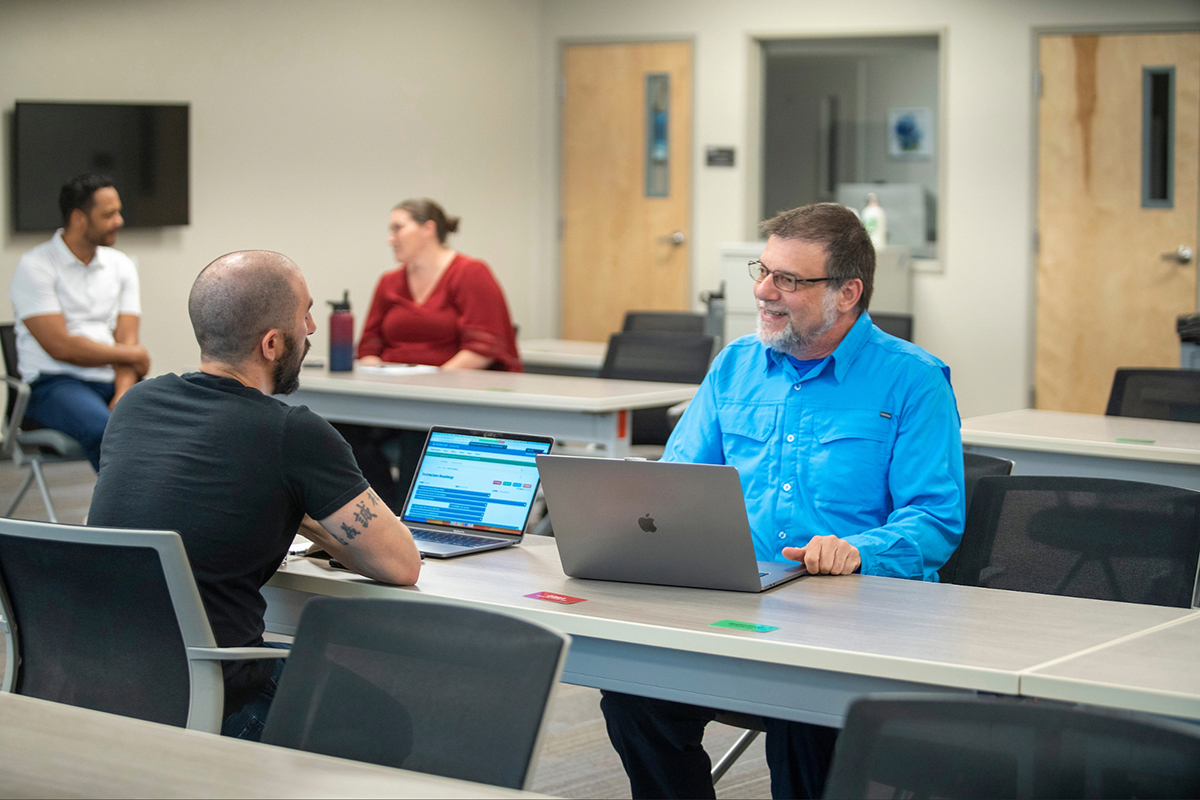
Getting Started
New to UNLV
Get your accounts, devices, email, and software set up.
Returning This Semester
Complete your technology checklist before the semester begins.
Get Connected
Connect your devices to eduroam WiFi and access the campus resources you need.
Get IT Support
Need answers to common tech questions?
Find step-by-step guides and solutions.
View IT Knowledge BaseNew Ways To Teach, Work, & Research

Save Time With AI
Explore AI tools and guidance to help you teach, research, and work more efficiently.
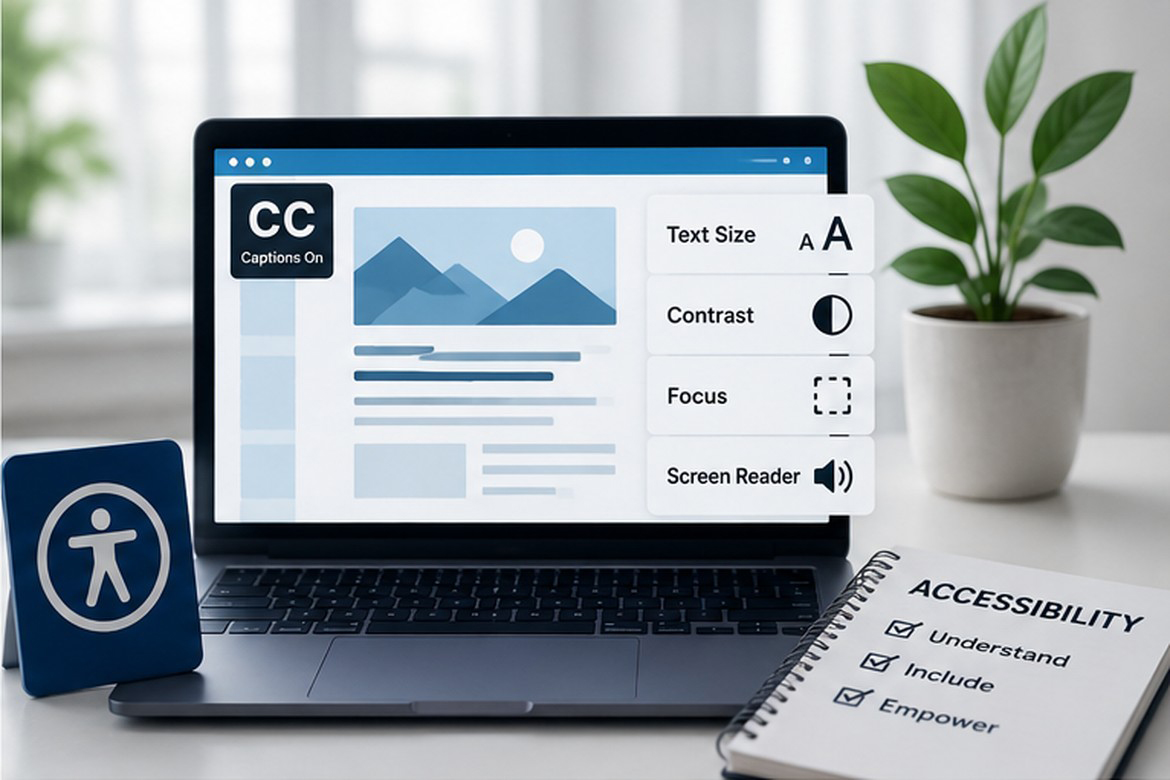
Create Accessible Content
Use accessibility tools and best practices to create inclusive digital experiences for everyone.

Create Engaging Learning Experiences
Discover immersive technologies like virtual and augmented reality that bring learning to life.

Advance Your Research
Access technology, storage, and specialized IT services that support research across disciplines.
Protect Your Information
Learn how to recognize phishing, protect your account, and safely use technology at UNLV.